TROUBLESHOOTING
Warning pop-up
| Pop-up | Cause | Countermeasures |
|
|
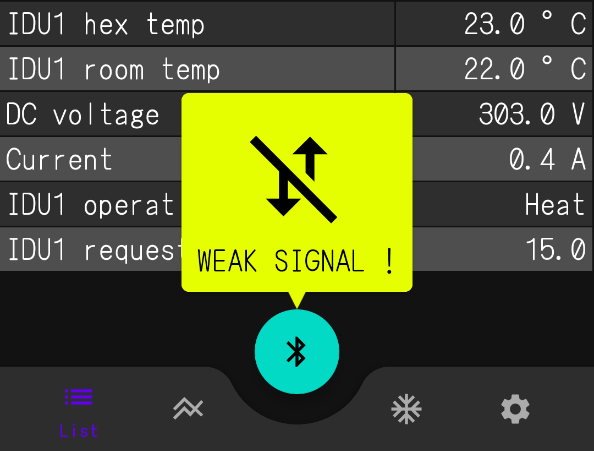
It is displayed when the communication environment becomes poor. | Move the device closer or check the communication environment. The pop-up can be removed by improving the communication environment or by tapping outside of the screen. |
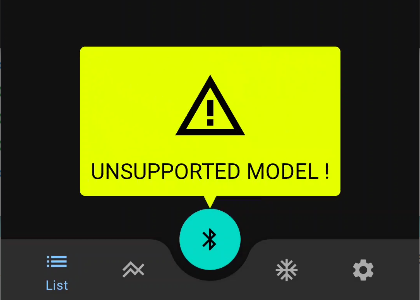 |
The target model is not registered in the model setting file. Therefore, default communication parameter is used. In this case, the analysis results may not be correct. |
Since this model is not supported, diagnose each part using a tester or other tools as before. |
|
|
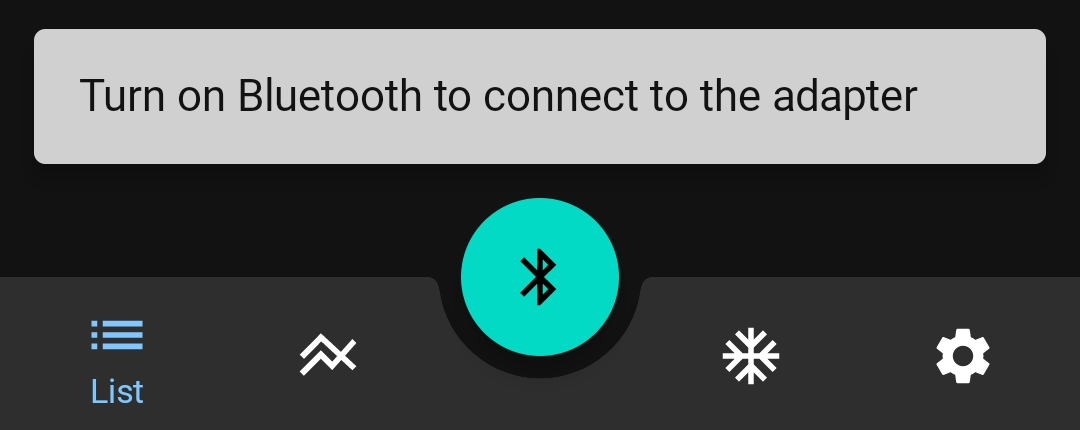
Permissions for device detection are not granted. | Allow all permissions related to this app from your mobile device settings. |

LED lamp of BLE adapter
| Lamp | Cause | Solution | |
|
|
Lights on for 0.5 seconds and off for 0.5 seconds. | Failure state of BLE adapter | Replace the BLE adapter. |
|
|
Lights on for 1.0 second and off for 1.0 second. | Communication error between BLE adapter and outdoor unit | Communication with the target is not stable. Or, noise may be the cause. Try the following countermeasures. ・Separate communication cable and power line (compressor lead wire and power line). |


Troubleshooting
| Contents | Cause |
Bluetooth® is not connected or the device is not displayed. |
Restart the mobile device. |
| Check the distance between the BLE adapter and the mobile device. If they are more than 10 meters apart, they cannot be connected. | |
| Check that Bluetooth® communication is enabled on your mobile device. | |
| Check that the location information is enabled on your mobile device. | |
| Check that you have granted all permissions related to this app from the settings of your mobile device. | |
| Refrigeration cycle diagram is not displayed properly. | Do you manually switch to the wrong refrigeration cycle diagram? Check the settings of “Refrigeration cycle diagram display". |
| The app was forcibly closed. | Did you change the permission settings related to this app while this app is running? Allow all permissions related to this app and then restart it. |
| The LED lamp on the BLE adapter repeatedly turns off in short intervals. | Is the error recording working? The LED may turn off at the moment the error data is recorded in the BLE adapter (at the recording interval set in (RECORDING MODE (Recording mode)). In addition, when an error occurs, the LED may blink rapidly. (up to several seconds) |
Communication does not stop even if BLE connection is disconnected. |
Did you disconnect the BLE connection from your mobile device settings? To disconnect the BLE connection, tap the BLE connection button on the app.(→ HOW TO USE) |
| Characters are not displayed. Charts are difficult to move. | Adjust the font size or set the mobile device to horizontal screen from your mobile device settings. Holding down on the screen will enlarge the data section, so it will be easier to see. |
| The date in the name of the HST file does not match the date and time of the last data in the file. | The name of the HST file is set to the date and time when the SAVE (save) button is pressed by default, but the contents (data) actually saved as an HST file are the operating data up to the point when the name was fixed. Therefore, the date and time in the name of the HST file may not match the date and time of the final data in the actual HST file. |